Attract
A stronger identity helps capture attention and move away from a generic look.
 MAXICODE
The Showcase is not here to stack effects. It presents concrete examples of visual direction, motion, responsive behaviour and redesign so you can better understand what could be useful for your project.
Visual direction affects perception before all the content has even been read. Contrast, typography, imagery, spacing and calls to action build the overall atmosphere.
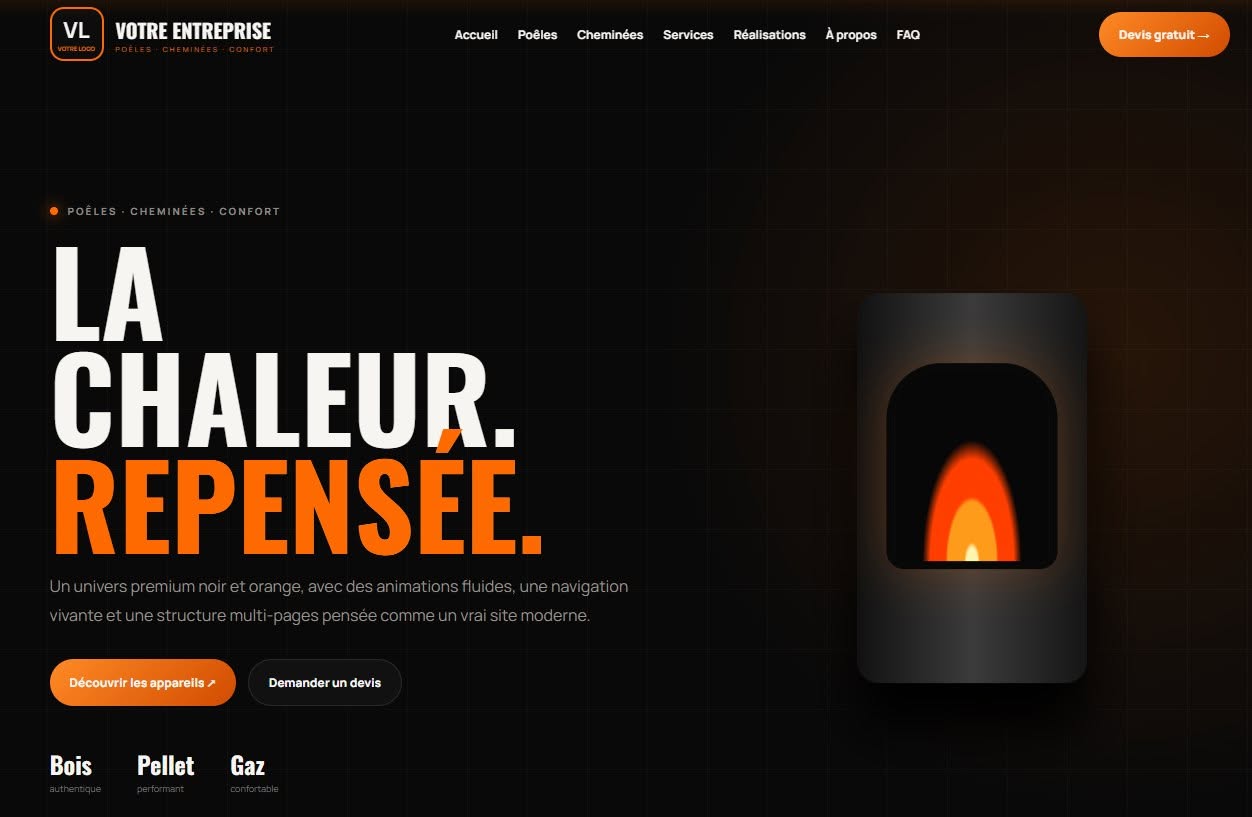
The divider moves automatically almost from edge to edge. You can also take control with a mouse or finger to compare both versions.
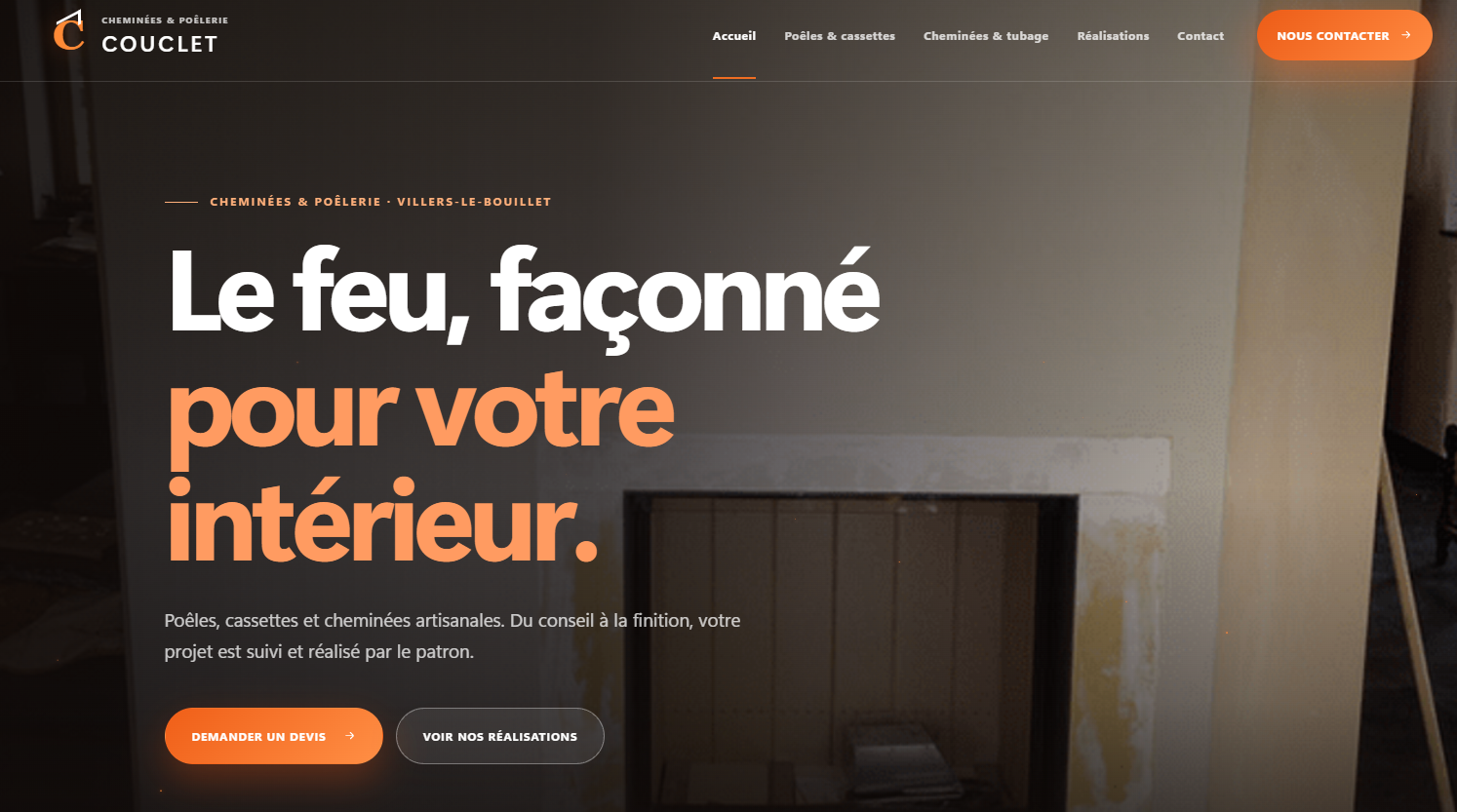
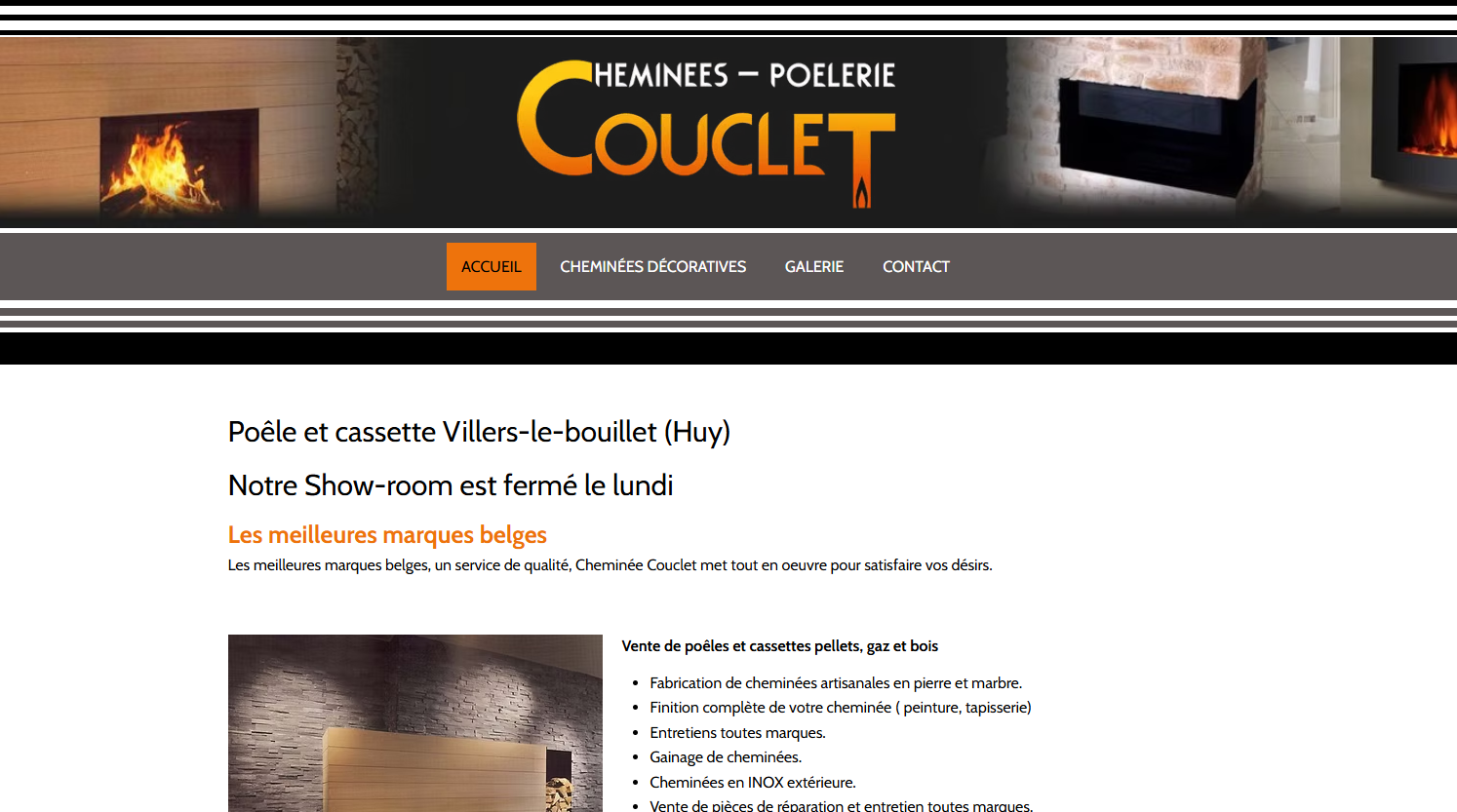
This is the intended MAXICODE behaviour: no word translation and no zoom. Only the gradient moves through the letters. This kind of effect can highlight an important title without moving the whole interface.
MAXICODEBlocks can change order, text spacing changes and navigation becomes simpler. Choose each format at your own pace: the stage keeps a fixed height so the page stays still.
The future website of a tradesperson, consultant or small business should not use the same effects in the same way.
A stronger identity helps capture attention and move away from a generic look.
Motion, contrast and hierarchy can show where to look and what action to take next.
Clean responsive behaviour, obvious navigation and polished execution create trust without making the website feel cold.
Galleries, FAQs, forms, scroll animations, hover effects, comparisons, interactive sections and other features can be used depending on the need. The starting point is always your business and what visitors should understand or do.
You can already ask a question, even before the planned commercial opening in 2027.